

9 Seiten
1 Seite
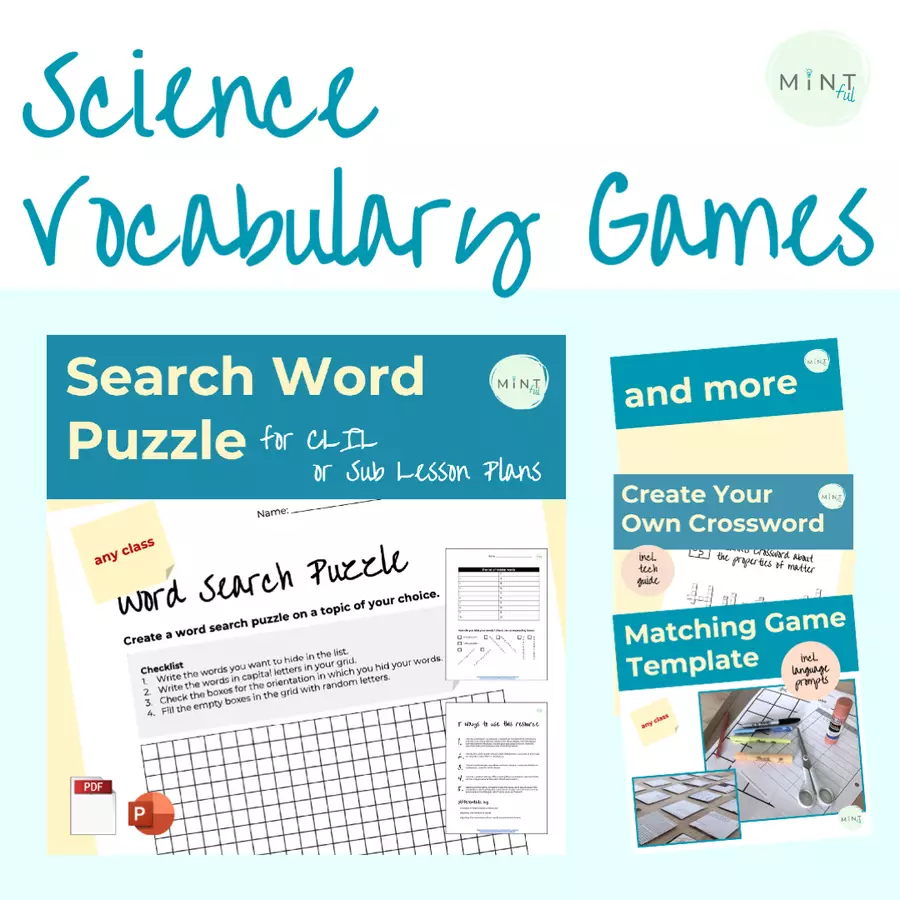



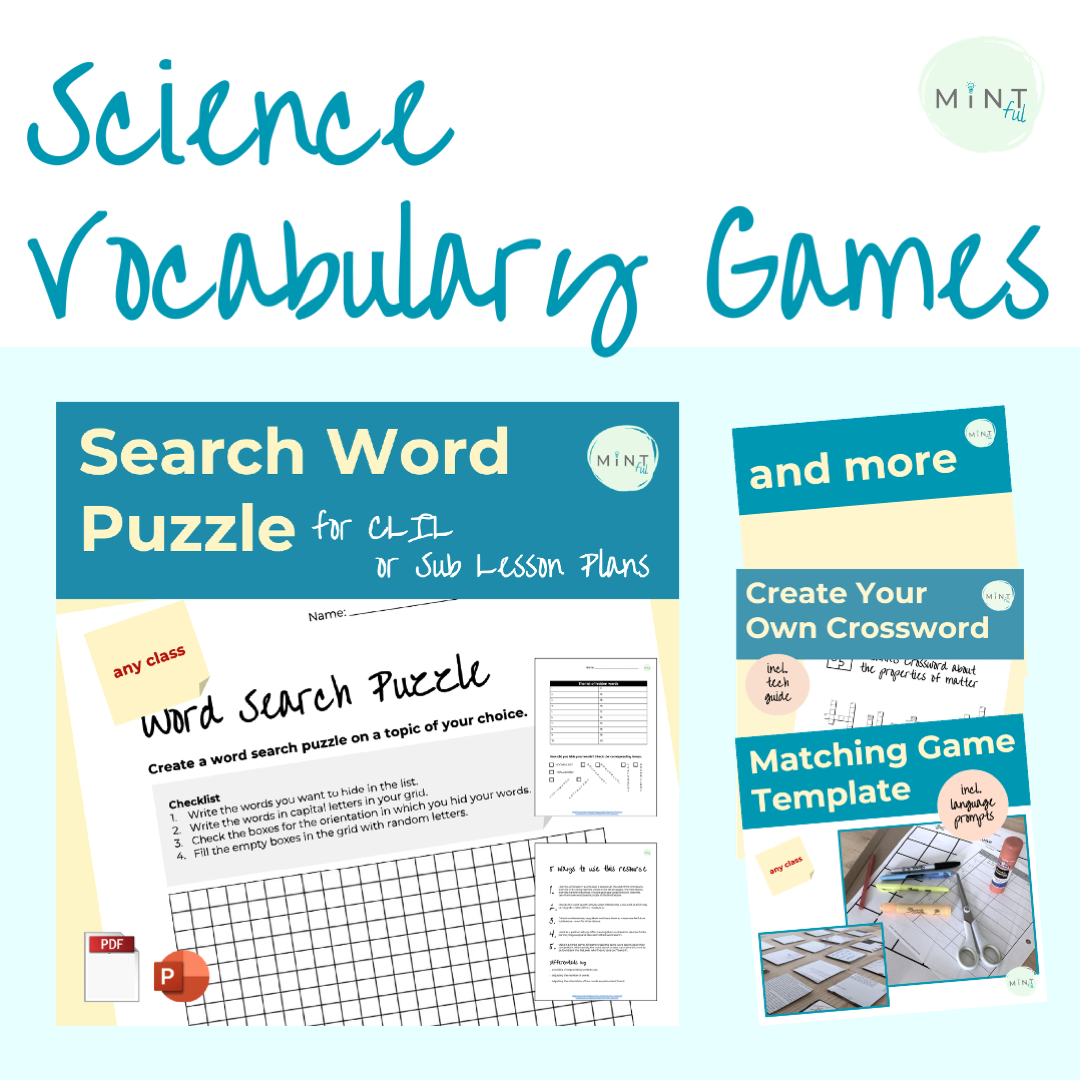
Science vocabulary games bring fun and engagement to your ESL accessible Science lessons. Use these Science vocabulary games not or as a Science vocabulary quiz, but also to practice for an upcoming assessment, or as a classroom reward game.
This resource includes 5 different classroom review games templates for you to use with your learners.
What related resources are there?
➔ Physical and Chemical Changes Stations Lab - a 6th grade Science CLIL lesson plan
What do learners do? Learners…
Individually or in groups or pairs learners will use the classroom review games templates to create their own Science vocabulary games, which then can be played in small or big groups.
Each game in this bundle can fill at least 2 50min lessons.
For which classes can I use this resource?
● Science vocabulary lesson plan
● Sub plan for any middle school classroom
● End of the school year games
● Science CLIL lesson plans
● ESL lesson plans
Do you have questions, ideas or just want to say “Hi!”?
I wish you the best experience with your learners,
-Susann
P.s.
Oh, hey, I wanted to ask you if you needed any help with lesson planning?
I might have something for you ← Just click the link for a FREE guide for you.
Creating your own crossword activities are an easy vocabulary practice lesson and always a great sub plan for any classroom. After the “creating your own crossword” lesson, each teacher will have 20+ crossword puzzle printables with specific vocabulary for future practice vocabulary activities. What related resources are there? ➔ Search Word Puzzle ➔ Matching Game Template ➔ Science Sentence Starters What do learners do? Learners… 1. Write matching questions/prompts & answers etc. in a table. 2. Enter their matching words to the website www.xwordgenerator.com creating crossword puzzle printables. 3. Play one anothers crossword puzzles. In which file format will I receive the resource? .ppx (PowerPoint) - editable Tip: Import to Google Slides with these steps or watch this video on How to Import PowerPoint Presentation Slide into Google Slides 1. Open the google slide presentation, into which you want to upload the slides. 2. Click “file”. 3. Click “import slides”. 4. Click “upload”. 5. Click “browes”. 6. Double click on the PowerPoint file “creating your own crossword” on your computer (likely in the download folder. 7. Wait for the PowerPoint file to load. 8. Click on all the slides you would like to import. I recommend at least slides 4-9 for learners. 9. Click “import files. What does this material contain? ● A lesson plan & ideas for differentiation ● A checklist with step by step instructions for learners on how to make their own crossword. ● A list of question prompts. ● A table for crossword pairs. ● Step by step instructions on how to make their own crossword using the website www.xwordgenerator.com . For which classes can I use this resource? ● Sub plans for any middle school classroom ● Science CLIL lesson plans ● ESL lesson plans Do you have questions, ideas or just want to say “Hi!”?→ Reach out :)! I wish you the best experience with your learners, -SusannP.s. Oh, hey, I wanted to ask you if you needed any help with lesson planning?I might have something for you ← Just click the link for a FREE guide for you.
Klassenstufen: 6. Klasse, 8. Klasse
As a student you can make your own quiz to study to practice both content or vocabulary. This make your own quiz template provides step by step instructions, language prompts and tips on how to write incorrect answers, when tasked to make your own quiz to study. The Make Your Own Quiz to Study can be found both on TpT and Eduki. What related resources are there?Search Word PuzzleMatching Game TemplateCreating Your Own CrosswordBundle: science vocabulary gamesWhat do learners do? Learners…will use the create quiz template to write their own quiz questions, correct answers and false answers in groups, pairs or individually. Learners use a step by step checklist, and language prompts and differentiated ways to create their own quiz to study, all included in the Make your own quiz to study resource. Learners then use their quiz questions in 6 different ways in the next lesson. For which classes can I use this resource?Science vocabulary lessonSub plan for any middle school classroom End of the school year gamesScience CLIL lesson plansESL lesson plansDo you have questions, ideas or just want to say “Hi!”?→ Reach out :)! I wish you the best experience with your learners, -SusannP.s. Oh, hey, I wanted to ask you if you needed any help with lesson planning?I might have something for you ← Just click the link for a FREE guide for you.
Klassenstufen: 6. Klasse, 8. Klasse
This matching game template is great to create memory games in your CLIL classroom. Use the matching game template when practicing or learning new vocabulary words. What related resources are there? ● Search Word Puzzle ● Science Sentence Starters for CLIL lesson plans ● Weather Forecast Project ● Physical and Chemical Changes Stations Lab - a 6th grade Science CLIL lesson plan What do learners do? Learners… 1. Write matching terms/questions etc. in a table. 2. Copy their matching words to the matching game temple. 3. (Glue the matching game template onto cardboard). 4. Cut out the came cards. 5. Play their matching game. In which file format will I receive the resource? A zip file containing: 1. .pdf - printable 2. .ppx (PowerPoint) - editable What does this material contain? ● A checklist with step by step instructions for learners on how to create their matching game. ● A list of sentence starters ● A table for their vocabulary words. ● The matching game template. For which classes can I use this resource?[1] ● Sub plans for any middle school classroom ● Science CLIL lesson plans ● ESL lesson plans Do you have questions, ideas or just want to say “Hi!”?→ Reach out :)! I wish you the best experience with your learners, -SusannP.s. Oh, hey, I wanted to ask you if you needed any help with lesson planning?I might have something for you ← Just click the link for a FREE guide for you.
Klassenstufen: 6. Klasse, 8. Klasse
The describe word game is the “describe the word without saying it game”. One word has to be described while 5 other listed words cannot be said. Use the describe word game card templates to make your own word guessing game with your Science ESL learners. The Describe word game can be found both on TpT and Eduki. What related resources are there?Bundle: Science Vocabulary GamesSearch Word PuzzleMatching Game TemplateCreating Your Own CrosswordMake Your Own Quiz To StudyScience Sentence StartersWhat do learners do? Learners…Make describe word game cards using 6 related words of one Science concept. 1 word is written on the top of the cards as the guess word, while the other 5 words are listed below as the forbidden words.Learners then play their own version of the describe the word without saying it game.What does this resource include?a lesson plana list of previous knowledge requirementsdifferentiation options6 prep ideasa learner checklistgame card templates2 game card examplestips for finding related wordsFor which classes can I use this resource?Science vocabulary lessonSub plan for any middle school classroom End of the school year gamesScience CLIL lesson plansESL lesson plansDo you have questions, ideas or just want to say “Hi!”?→ Reach out :)! I wish you the best experience with your learners, -SusannP.s. Oh, hey, I wanted to ask you if you needed any help with lesson planning?I might have something for you ← Just click the link for a FREE guide for you.
Klassenstufen: 6. Klasse, 8. Klasse




Bewertungen und Kommentare