


24 Seiten
13 Seiten


Material Description: Birthday Calendar Display
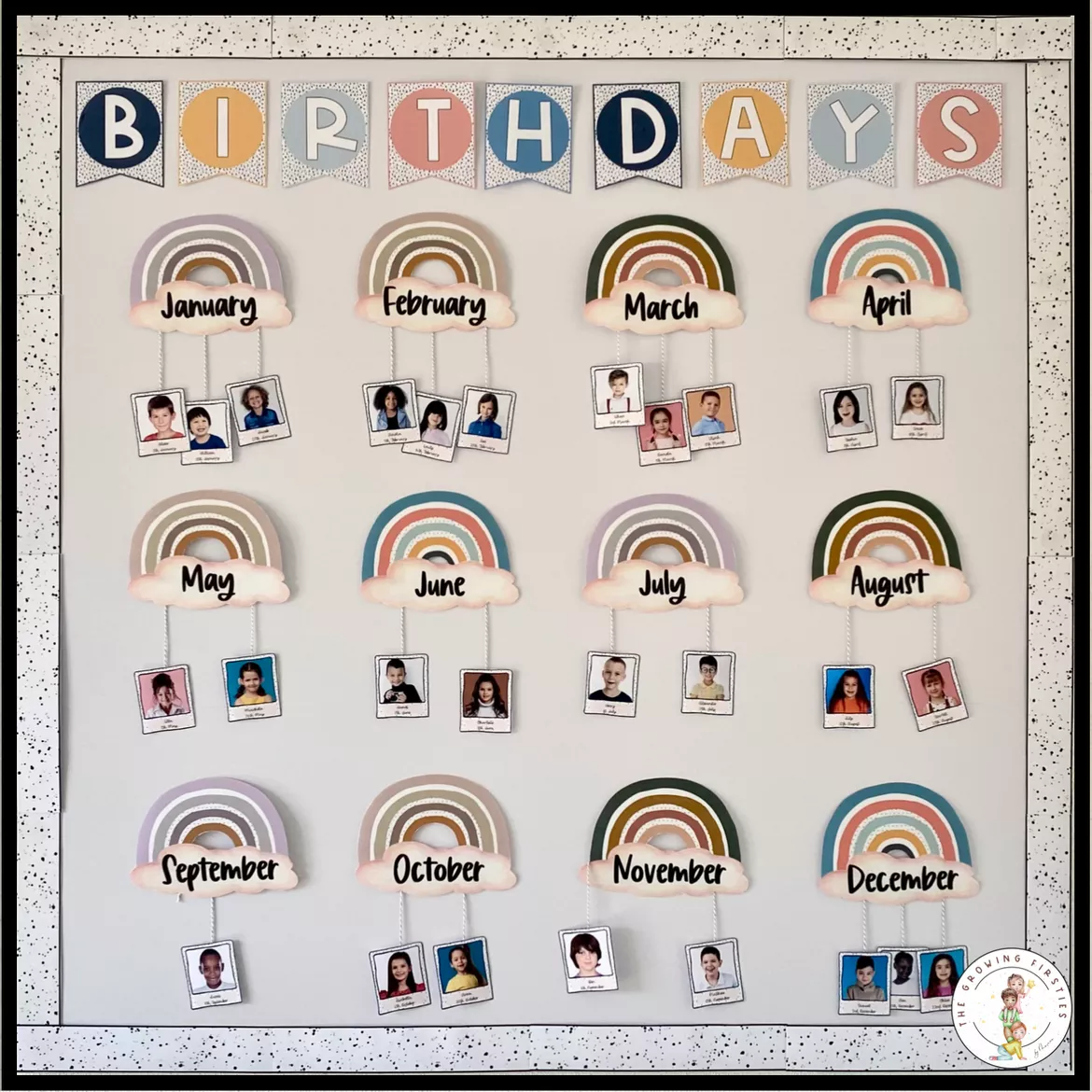
The birthday calendar is displayed on a magnetic whiteboard but can also be mounted on a regular wall if preferred. For the background, I used wood-effect adhesive vinyl (affiliate link), which I attached to the whiteboard using two-sided adhesive tape. Alternatively, you can use wrapping paper or leave the background plain, depending on your preference.
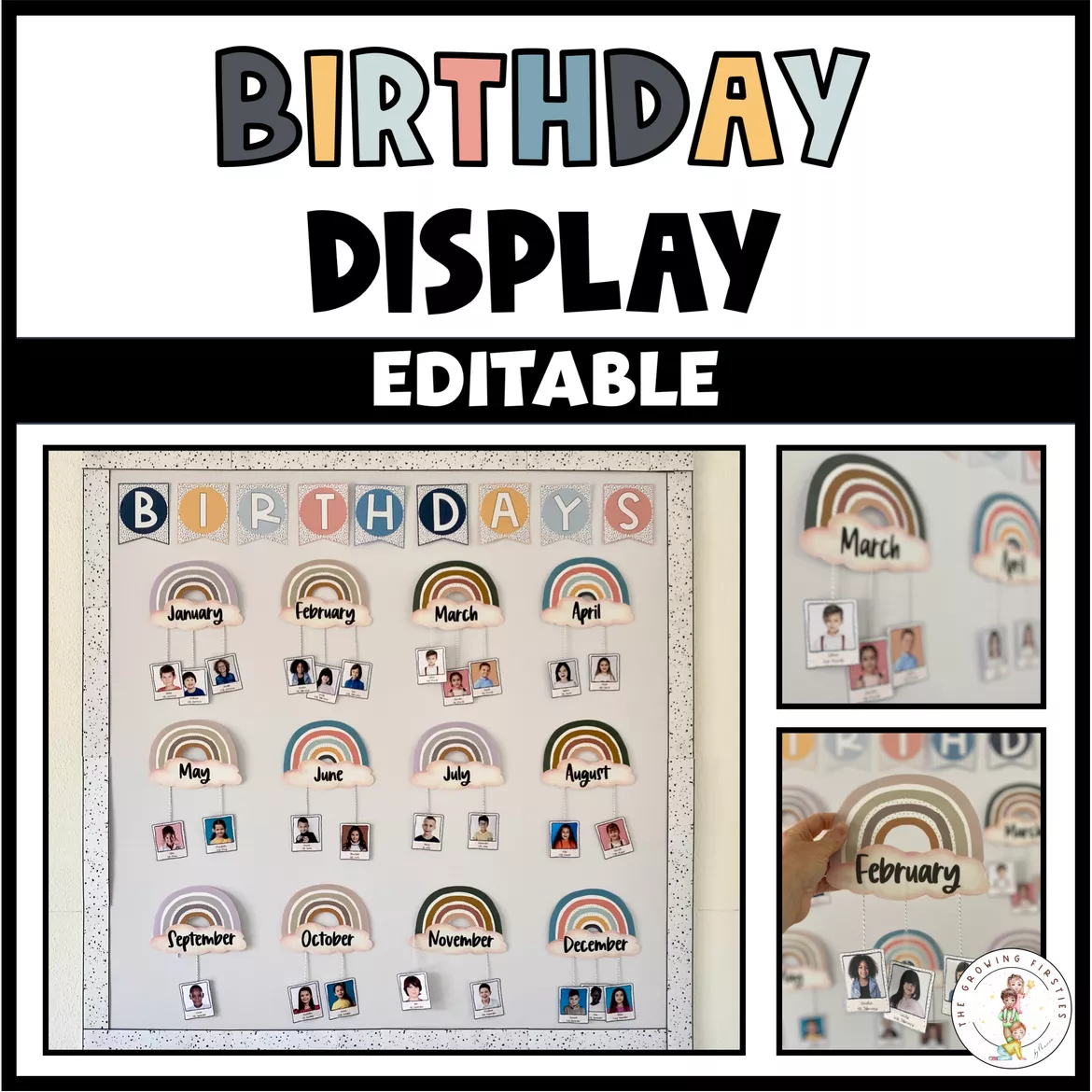
All elements of the birthday calendar were printed, laminated, and cut out. I then attached self-adhesive magnets to the backs of the individual pieces (affiliate link). To the back of the clouds, I added wool, fixed in place with adhesive tape, to create a hanging effect.
At the bottom of the calendar, I included one or two picture frames containing student photos.
Picture Frame – Option 1: Digital Editing
The picture frames can be customized easily using Open Office. Simply insert digital photos, resize them to fit the frame template, and send the image to the background (right-click → “Send to Back”). Use the text box to add names and birthdates.
Picture Frame – Option 2: Manual Design
Alternatively, print out the picture frame templates and write the names by hand. You can also use printed photos, cut them to size, and glue them onto the frames.
Editable Version
A fully editable file is included, allowing you to modify the text, font, and layout as needed. This gives you the flexibility to personalize the calendar for your class or adapt it for different themes or languages.



Bewertungen und Kommentare