


10 páginas
18 páginas


**Product Description:**
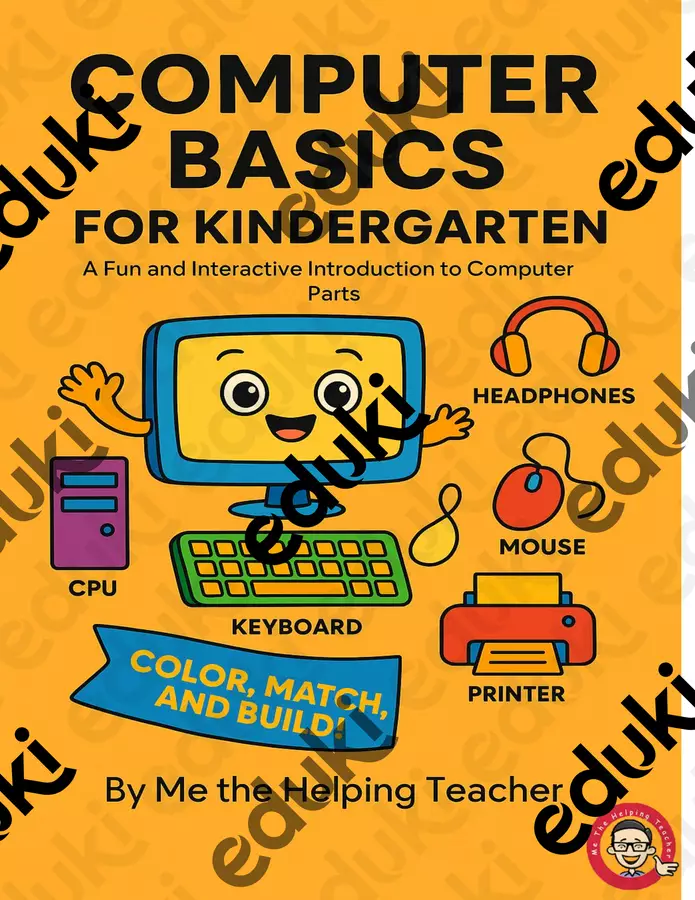
Looking for a fun and easy way to introduce your kindergarten students to computer parts? This *Computer Basics for Kindergarten* pack is just what you need! Designed with little learners in mind, this printable resource includes **coloring pages**, **matching activities**, and **cut-and-paste build-a-computer worksheets** that make learning about technology hands-on and exciting.
Perfect for tech class, centers, or early finishers, these activities help kids recognize and name basic computer parts like the **monitor, keyboard, mouse, CPU, printer, headphones**, and more. Plus, the black-and-white illustrations are perfect for coloring—so your students can personalize their learning while building fine motor skills.
**What’s Inside:**
- 7+ printable pages of engaging computer-themed activities
- Color, match, and label computer parts
- Cut-and-paste build-a-computer craft
- Answer keys included for easy prep
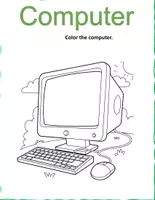
### **Page 1: Title Activity – “Color the Computer”**
- A central computer illustration with large, labeled parts.
- Kids are invited to color the **monitor**, **keyboard**, **mouse**, **headphones**, **CPU**, **printer**, and **processor**.
- Perfect intro to vocabulary while making it fun and interactive.
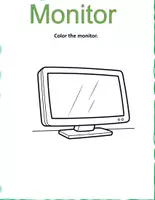
### **Pages 2–3: Color and Label Individual Parts**
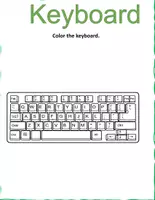
- Each page features one component (e.g., **Monitor**, **Keyboard**, **Mouse**, **CPU**, **Headphones**, etc.)
- Large outlined illustrations with the phrase: “Color the ___.”
- Helps students focus on one item at a time and reinforce recognition.
### **Page 4: Match the Picture with the Word**
- Visuals of six computer parts on one side, matching vocabulary on the other.
- Students draw lines to connect the picture to the correct term.
- Builds word association and fine motor skills.
### ✍️ **Page 5: Write the Name of Each Picture**
- Features black-and-white icons of devices like **printer**, **mouse**, **monitor**, etc.
- Students are prompted to write the name below each image.
- Great for practicing spelling and reinforcing vocabulary.
### ✂️ **Pages 6–7: Cut and Paste Activity – “Build a Computer”**
- Kids cut out the outlined computer parts.
- Then, they paste them together to build a computer correctly.
- Encourages problem-solving, spatial awareness, and motor skills.
### **Page 8: Draw Your Own Computer**
- Blank page prompt with the phrase “Draw one computer.”
- Freestyle activity where kids use what they've learned to create their own interpretation of a computer setup.
### ✅ **Pages 9–12: Answer Keys**
- Matched examples showing correct connections and labels.
- Completed cut-and-paste layout for teacher reference.
- Ensures quick grading and support during class time.
### **Final Page: Thank You + Credits**
- Friendly thank-you note signed as *“Me The Helping Teacher.”*
- Contact info, copyright terms, and a note of appreciation.
- Credits for fonts and graphics (e.g., Freepik, Sasha Mitten Studio, etc.)
**Why Teachers Love It:**
- No prep—just print and go!
- Great for introducing tech vocabulary
- Supports fine motor development and visual recognition
- Works well for ESL learners and bilingual classrooms



Valoraciones y comentarios